About Alpemix Remote Desktop Control
To be able to establish remote connection with your windows computer, you should also download desktop version of Alpemix for your desktop computer from website www.alpemix.com - You can connect to your remote computer at...
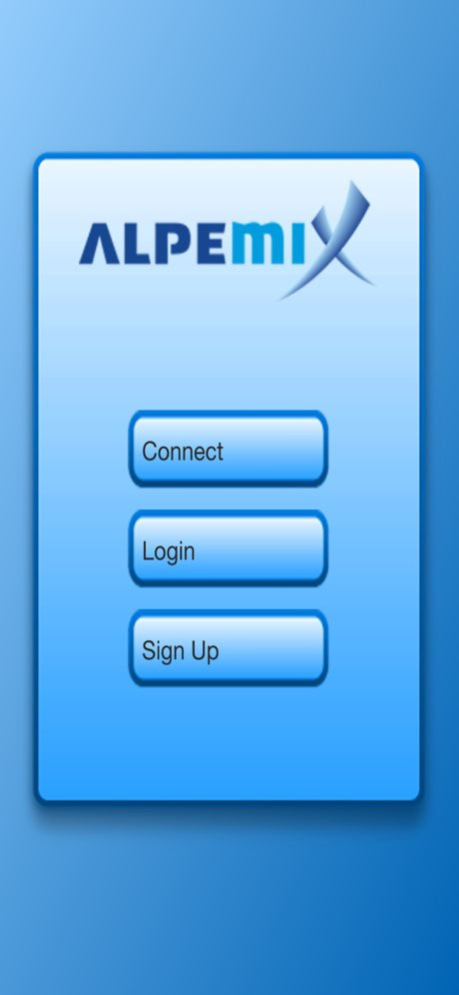
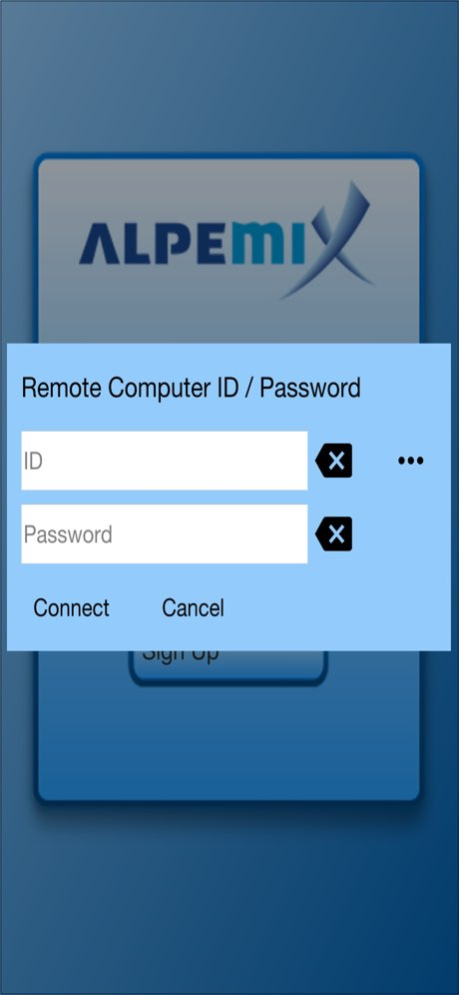
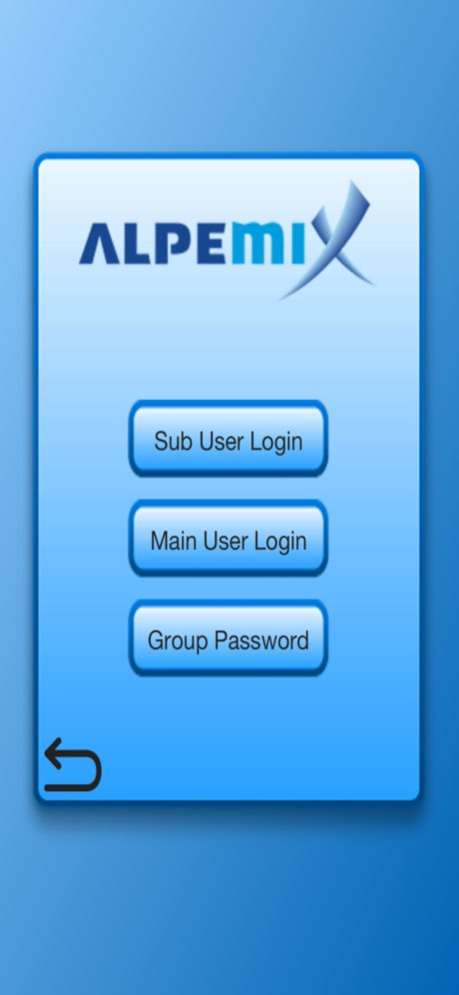
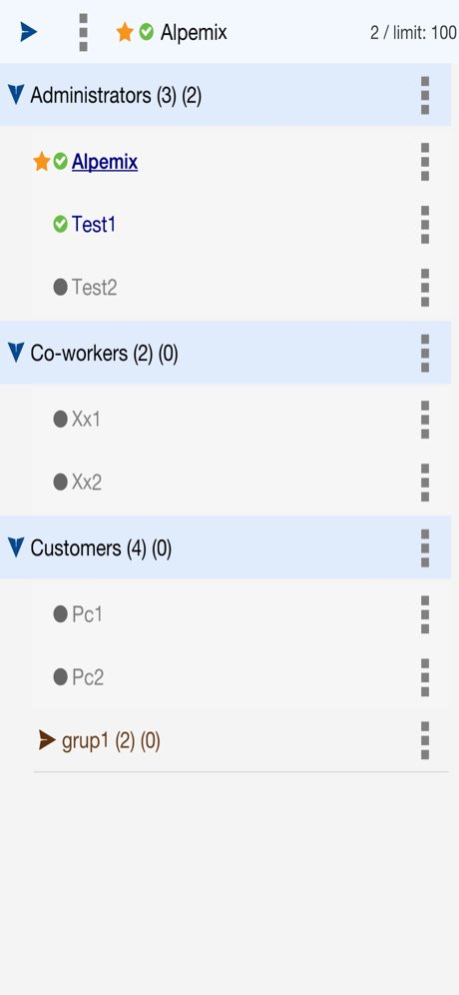
To be able to establish remote connection with your windows computer, you should also download desktop version of Alpemix for your desktop computer from website www.alpemix.com - You can connect to your remote computer at any time no matter where you are - You can help your customers, family, friends having problems with their computers by connecting them remotely - You can watch the presentation at work from outside the Office For remote desktop control You can connect to remote computers 3 ways: - With continuous access password - You can send connection offer over user list - ID / Password
Version History Made compatible with new iOS versions. 2.5.0 May 17 It has been made compatible with new iOS versions. 2.4.0 10/06/2025 It has been made compatible with new iOS versions. 2.3.0 12/08/2024 Some minor bugs fixed 2.2.0 10/02/2024 Faster entry to the list screen for companies with many computers in their list 2.1.0 09/14/2024 Made compatible with server changes 1.9.0 12/20/2023 Made compatible with new ios versions 1.8.0 04/06/2023 some bugs fixed 1.7.0 10/10/2020 Fixed a bug about the keyboard 1.6.0 12/04/2019 Fixed some minor bugs 1.5.0 12/03/2019 * File Transfer feature added * You can invite other support staff to your remote session * Added Unicode support for correspondence fields * Added the ability to change group of users, password, limitations * Added option to show Mouse cursor on all connections * Fixed bug in creating new user * Made more compatible with tablets * Made compatible with blue tooth mouse * when the app is in the background if the private message arrives the notification is shown 1.4.0 04/11/2018 - When the application is closed and opened again, it can remember unatanded access paswords. - Added option to see the password for groups. - With the option added to the list screen, you can see your registered email address and your ip and localip information - IPv6 support added 1.3.0 08/08/2017 Many fixes, improvements, and new features have been added. 1.2.0 02/23/2017 1.1.0 04/15/2016
Previous Versions
Here you can find the changelog of Alpemix Remote Desktop Control since it was posted on our website on 2023-09-07 08:47:17.
The latest version is 2.5.0 and it was updated on 2026-10-06 14:05:43. See below the changes in each version.
Alpemix Remote Desktop Control version 2.5.0
Updated At: 2026-10-06
Changes: Version History Made compatible with new iOS versions. 2.5.0 May 17 It has been made compatible with new iOS versions. 2.4.0 10/06/2025 It has been made compatible with new iOS versions. 2.3.0 12/08/2024 Some minor bugs fixed 2.2.0 10/02/2024 Faster entry to the list screen for companies with many computers in their list 2.1.0 09/14/2024 Made compatible with server changes 1.9.0 12/20/2023 Made compatible with new ios versions 1.8.0 04/06/2023 some bugs fixed 1.7.0 10/10/2020 Fixed a bug about the keyboard 1.6.0 12/04/2019 Fixed some minor bugs 1.5.0 12/03/2019 * File Transfer feature added
* You can invite other support staff to your remote session
* Added Unicode support for correspondence fields
* Added the ability to change group of users, password, limitations
* Added option to show Mouse cursor on all connections
* Fixed bug in creating new user
* Made more compatible with tablets
* Made compatible with blue tooth mouse
* when the app is in the background if the private message arrives the notification is shown 1.4.0 04/11/2018 - When the application is closed and opened again, it can remember unatanded access paswords.
- Added option to see the password for groups.
- With the option added to the list screen, you can see your registered email address and your ip and localip information
- IPv6 support added 1.3.0 08/08/2017 Many fixes, improvements, and new features have been added. 1.2.0 02/23/2017 1.1.0 04/15/2016
Alpemix Remote Desktop Control version 2.4.0
Updated At: 2025-10-06
Changes: It has been made compatible with new iOS versions.
Alpemix Remote Desktop Control version 2.3.0
Updated At: 2024-12-08
Changes: Dec 8, 2024
Version 2.3.0
It has been made compatible with new iOS versions.
Alpemix Remote Desktop Control version 2.2.0
Updated At: 2024-10-02
Changes: Oct 2, 2024
Version 2.2.0
Some minor bugs fixed
Alpemix Remote Desktop Control version 2.1.0
Updated At: 2024-09-14
Changes: Sep 14, 2024
Version 2.1.0
Faster entry to the list screen for companies with many computers in their list
Alpemix Remote Desktop Control version 1.9.0
Updated At: 2023-12-20
Changes: Dec 20, 2023
Version 1.9.0
Made compatible with server changes
Alpemix Remote Desktop Control version 1.8.0
Updated At: 2023-04-06
Changes: Apr 6, 2023
Version 1.8.0
Made compatible with new ios versions
Disclaimer
Official App Store Link
We do not host Alpemix Remote Desktop Control on our servers. We did not scan it for viruses, adware, spyware or other type of malware. This app is hosted by Apple and passed their terms and conditions to be listed there. We recommend caution when installing it.
The App Store link for Alpemix Remote Desktop Control is provided to you by apps112.com without any warranties, representations or guarantees of any kind, so access it at your own risk.
If you have questions regarding this particular app contact the publisher directly. For questions about the functionalities of apps112.com contact us.